Running cheap and crappy USB hard drives in RAID0 is indeed a very terrible idea
Some of my dumb experiments result in interesting findings and unexpected successes.
Some end up with very predictable failures.
What happens when you have two crappy USB hard drives running btrfs1 in raid0
mode?
Nothing, until something goes wrong on one of the drives.
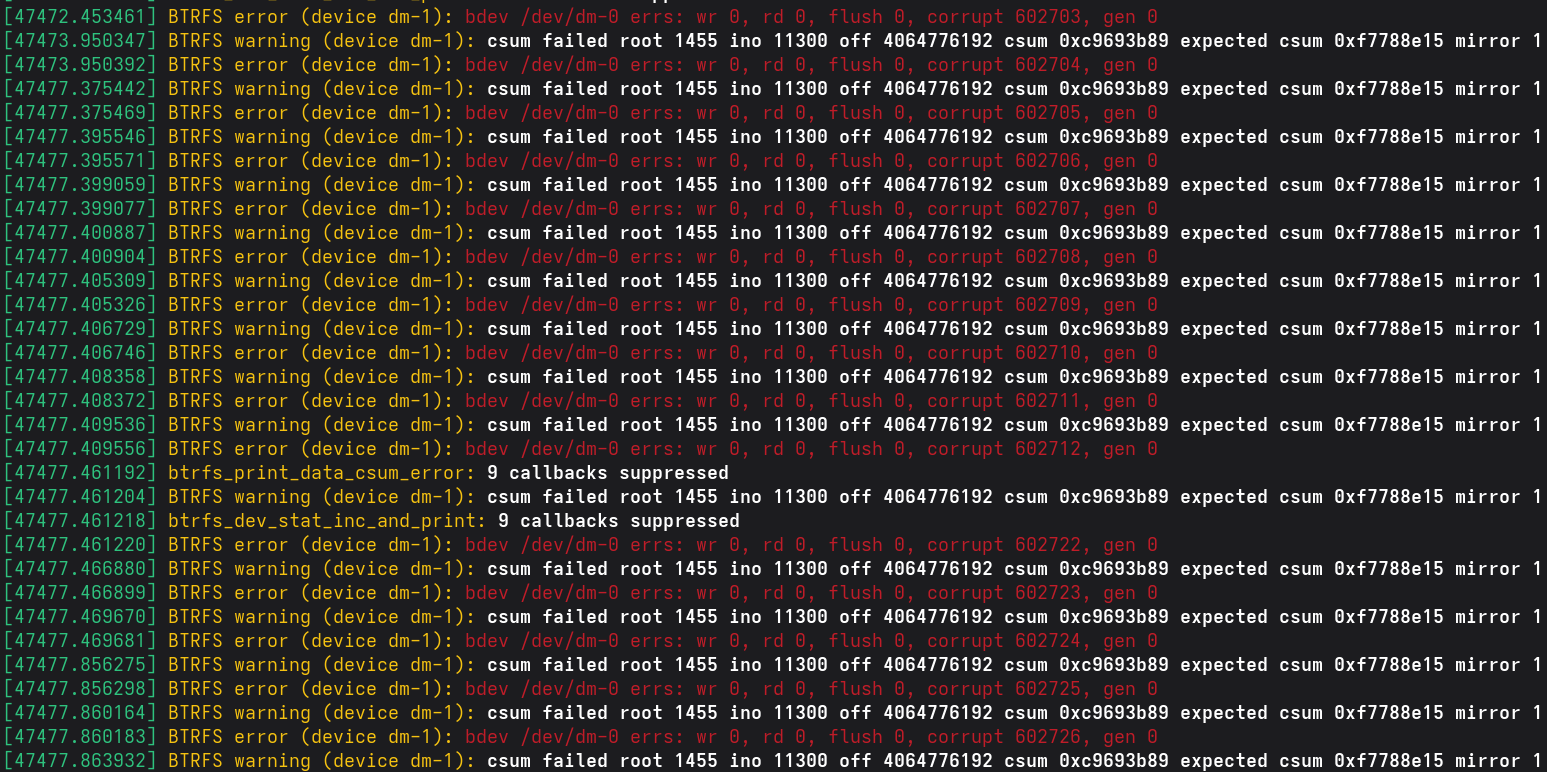
Here’s what it looks like:
[188574.681476] BTRFS error (device dm-1): bdev /dev/dm-0 errs: wr 0, rd 0, flush 0, corrupt 5114512, gen 0
[188574.681479] BTRFS warning (device dm-1): csum failed root 719 ino 1133 off 175546368 csum 0x899d8def expected csum 0x6bd987b6 mirror 1
[188574.681481] BTRFS error (device dm-1): bdev /dev/dm-0 errs: wr 0, rd 0, flush 0, corrupt 5114513, gen 0
[188574.681484] BTRFS warning (device dm-1): csum failed root 719 ino 1133 off 175550464 csum 0xab3e9209 expected csum 0xb9ea310f mirror 1
[188574.681486] BTRFS error (device dm-1): bdev /dev/dm-0 errs: wr 0, rd 0, flush 0, corrupt 5114514, gen 0
[188574.681489] BTRFS warning (device dm-1): csum failed root 719 ino 1133 off 175554560 csum 0xc2f14e0c expected csum 0x503c7709 mirror 1
[188574.681491] BTRFS error (device dm-1): bdev /dev/dm-0 errs: wr 0, rd 0, flush 0, corrupt 5114515, gen 0
[188574.681494] BTRFS warning (device dm-1): csum failed root 719 ino 1133 off 175558656 csum 0x6ae8a7c9 expected csum 0xb4c26691 mirror 1
[188574.681496] BTRFS error (device dm-1): bdev /dev/dm-0 errs: wr 0, rd 0, flush 0, corrupt 5114516, gen 0
[188574.681498] BTRFS warning (device dm-1): csum failed root 719 ino 1133 off 175562752 csum 0x97db9766 expected csum 0xbe2e8040 mirror 1
[188574.681500] BTRFS error (device dm-1): bdev /dev/dm-0 errs: wr 0, rd 0, flush 0, corrupt 5114517, gen 0
[188574.681503] BTRFS warning (device dm-1): csum failed root 719 ino 1133 off 175566848 csum 0x86568469 expected csum 0x863fbb4a mirror 1
[188574.681505] BTRFS error (device dm-1): bdev /dev/dm-0 errs: wr 0, rd 0, flush 0, corrupt 5114518, gen 0
[189615.784048] BTRFS warning (device dm-1): csum failed root 719 ino 1181 off 23457792 csum 0xb19058fa expected csum 0x5d11a400 mirror 1
[189615.784086] BTRFS error (device dm-1): bdev /dev/dm-0 errs: wr 0, rd 0, flush 0, corrupt 5114519, gen 0
[189615.784119] BTRFS warning (device dm-1): csum failed root 719 ino 1181 off 23461888 csum 0x256ea900 expected csum 0xabd1eafb mirror 1
[189615.784133] BTRFS error (device dm-1): bdev /dev/dm-0 errs: wr 0, rd 0, flush 0, corrupt 5114520, gen 0
[189615.784153] BTRFS warning (device dm-1): csum failed root 719 ino 1181 off 23465984 csum 0x7b10000b expected csum 0x647fd7bf mirror 1
[189615.784165] BTRFS error (device dm-1): bdev /dev/dm-0 errs: wr 0, rd 0, flush 0, corrupt 5114521, gen 0
[189615.784178] BTRFS warning (device dm-1): csum failed root 719 ino 1181 off 23470080 csum 0xef791959 expected csum 0x175f7adc mirror 1
But in a way, this setup worked exactly as expected.
If you want to have a lot of storage on the cheap, or simply care about performance, or both, then running disks in RAID0 mode is a very sensible thing to do. I used it mainly for having a place where I can store a bunch of data temporarily, such a full disk images or data that I can easily replace.
Now I can test that theory out!
-
I feel like I need to point out that this is not the fault of
btrfs. When you instruct a file system to provide zero redundancy, then that is what you will get. ↩︎
Subscribe to new posts via the RSS feed.
Not sure what RSS is, or how to get started? Check this guide!
You can reach me via e-mail or LinkedIn.
If you liked this post, consider sharing it!