Improving my focus by giving up my big monitor
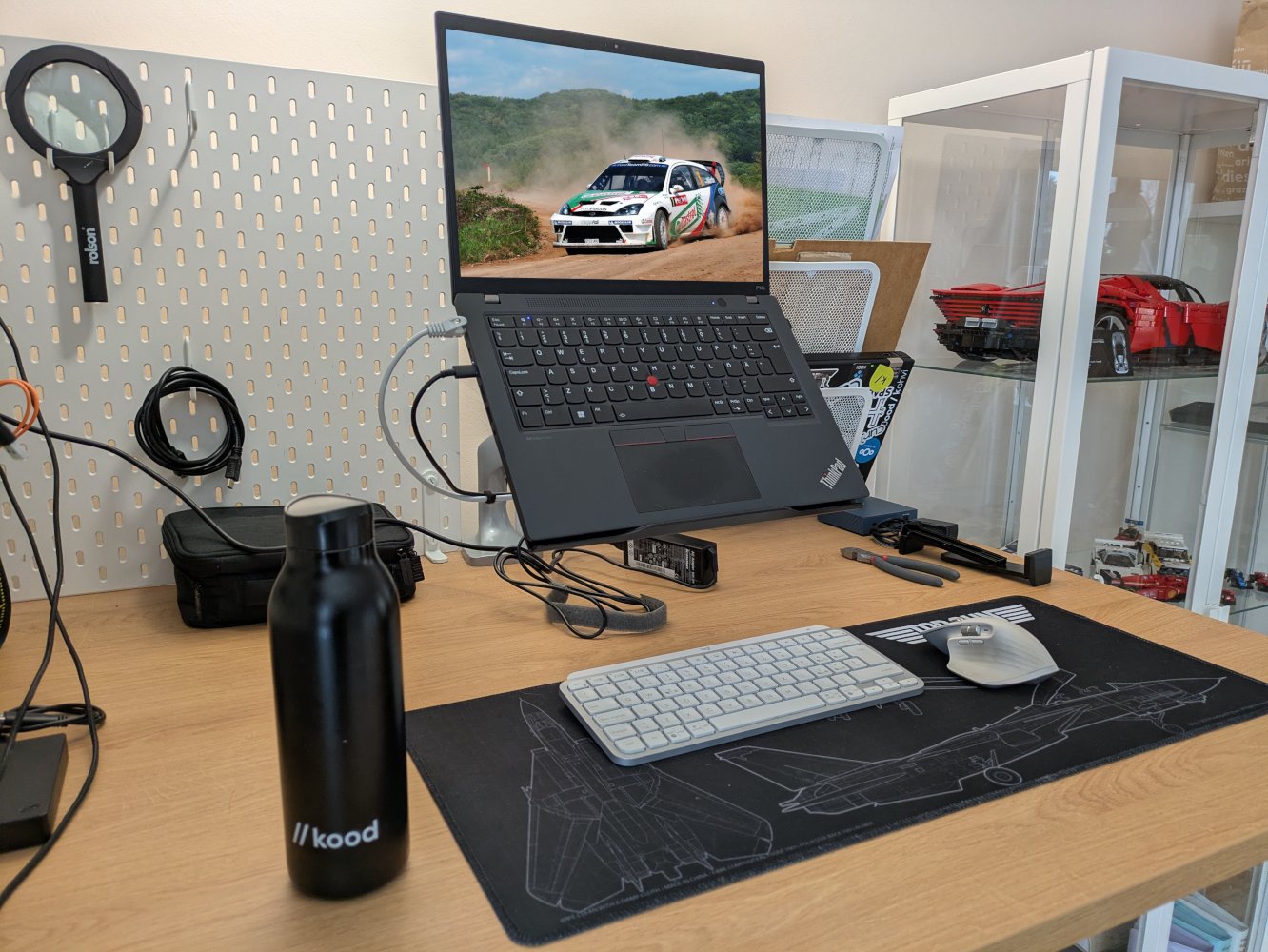
Keeping my focus has been challenging. It’s not a new phenomenon, and I suspect that there are contributing factors that have lead to the unfocused state dominating. For example, I’ve been that guy who wants to be on top of things, to be in the loop, to respond to urgent issues. It feels fantastic to be in that firefighter role as it gives me the feeling of having an impact, but it results in me being drained at the end of the day and often over-caffeinated.
One day I was doing work on my laptop on a couch because hitting 30 apparently means that sleeping slightly incorrectly results in debilitating back pain. During that session, I was working on a larger task and making tons of tiny little changes that needed to be done in order to release a new feature. I was finally in the zone again, and it felt fantastic!
That’s when I decided to start an experiment: can I improve my focus by giving up my big monitor?
Results
I’ve done this type of “experiment” a few times in the past when the power has gone out and my super duper ergonomic setup has become useless. No power, no USB-C dock, no monitor. It wasn’t that fun and my eyes hated reading text off of a laptop screen.
A few things have changed since then:
- GNOME has working fractional scaling that you can simply enable in display settings
- ThinkPad displays have gotten better, with the picture being quite cromulent, and the 16:10 aspect ratio helps fit more on the screen
- the nature of my work has changed and will keep changing in the near future
Almost a month in, I’ve had a pleasant experience with this experiment. I feel more focused. Yeah, that’s it. Am I actually more focused is up for debate, as I’m not sure how to measure it objectively.1
Working off of a single screen forces me to focus at what’s at hand. Alt-tabbing to a different app is quick, but just enough to deter me from doing it in meetings or other focused tasks.
In my personal free time2, this has also resulted in computer use becoming more intentional. On a 34" ultrawide monitor, it was too easy to put YouTube running on the left side, and whatever else on the right. It was distracting and resulted in time being wasted doing nothing. Interestingly enough, making computer use more intentional was a trick that I tried when recovering from burnout, and it helped a lot.
As a side effect, the power consumption of my whole home office setup is significantly smaller, as I don’t have to power my ultrawide monitor. That made up most of the power consumption, with peaks of up to 100W.
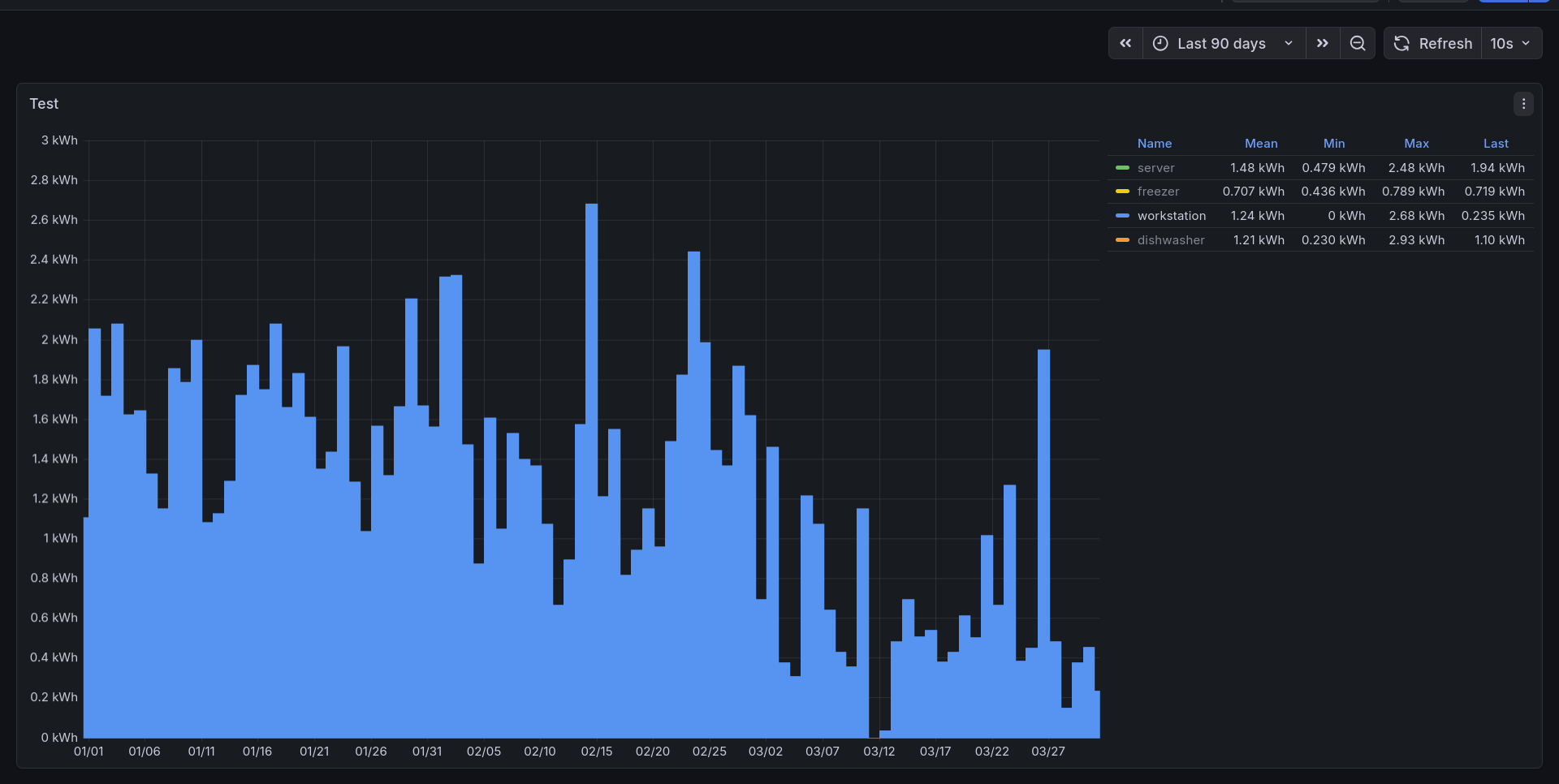
I also don’t have to fight with my dock killing my whole network, because there is no dock.
How to do it well
If you’re just cleaning up your desk and plopping your laptop on there, you will likely have a bad time. The posture will be off, and depending on your laptop, the keyboard and touchpad combination can prove to be an ergonomic nightmare.
At the very least, you should put your laptop up somewhere higher. Ideally, it should be using a stand that allows you to use your favourite wireless keyboard and mouse below it. A simple laptop stand could get you most of the way there, but the ideal solution is a freely adjustable monitor arm combined with a VESA-mounted laptop holder. This gives you the freedom to place the laptop exactly as you’d like while leaving the desk free for your peripherals.
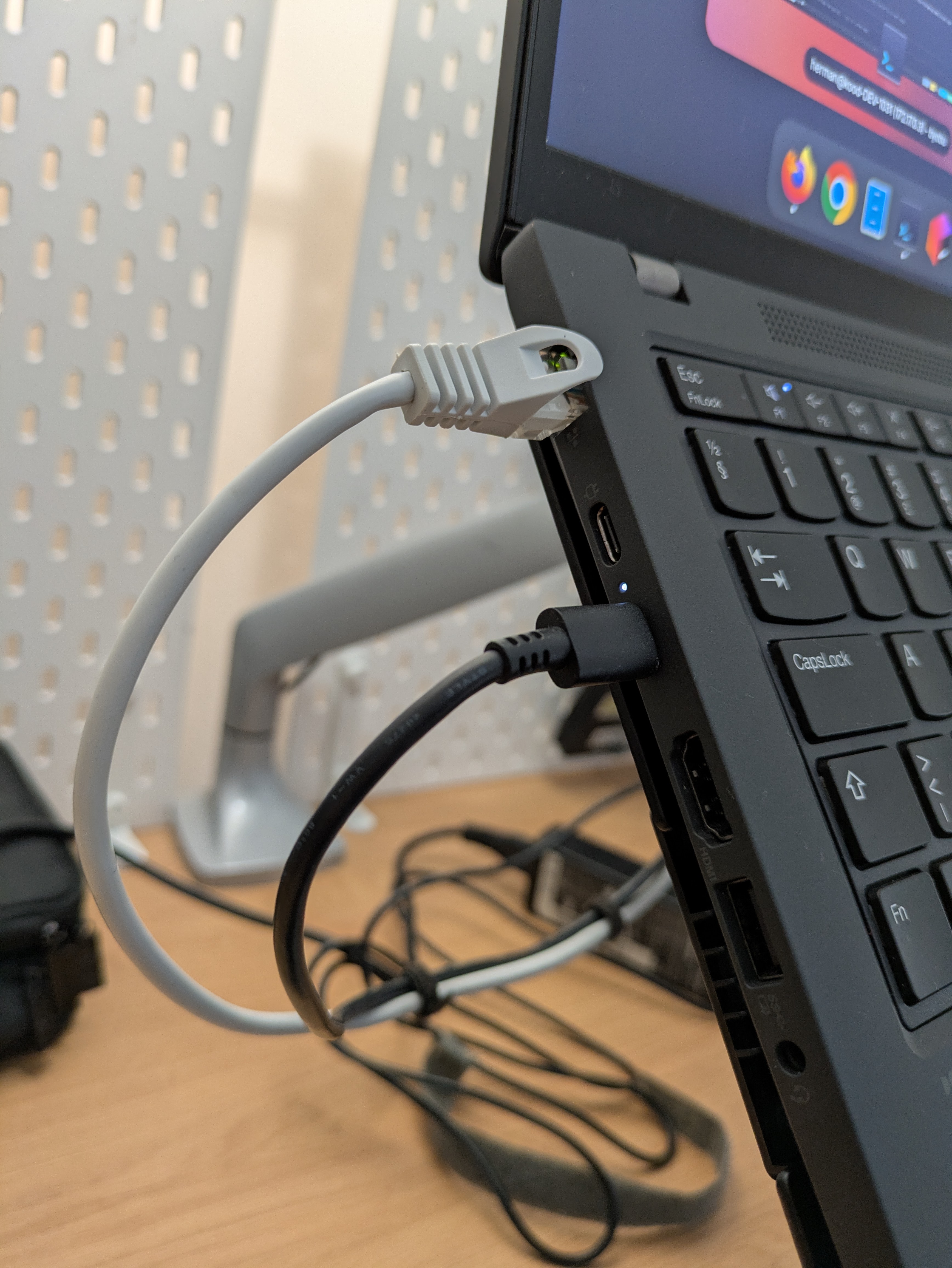
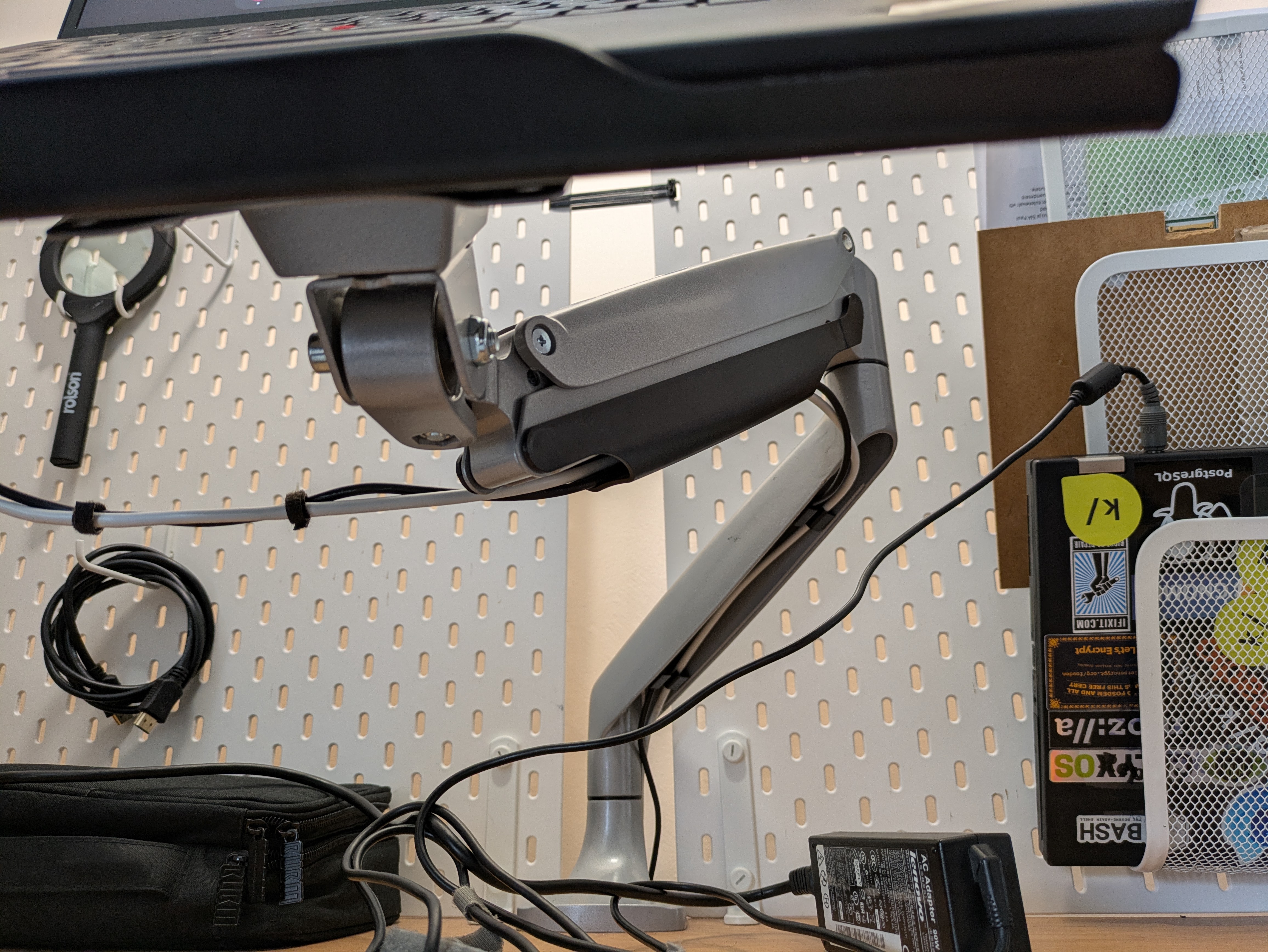
Most monitor arm laptop holders have side arms that keep it in place, but I found them to be extremely annoying, so I removed them by disassembling the holder and yanking out the side arms and springs. You may still need them if you are using a very aggressive vertical angle, but I hated having to give up one USB-A port and blocking about 25% of the exhaust fan also didn’t seem like a good idea. Mounting the laptop with the springy side arms was also awkward.
If you’re using a desktop and have a big display, then intentionally using a smaller and cheaper one for a while may prove to be just as effective.
If you’re using a laptop with a horrible display with poor viewing angles, glare and crappy resolution (which a lot of older ThinkPads have), then you can still try this out, but I suspect that you’ll not have a very good experience with it due to this reason alone.
Exceptions to the rule
I still prefer to do my gaming sessions on a big screen. It’s more immersive, and I can make out tiny details better, such as spotting a car in the distance while driving in the oncoming lane in Need for Speed Most Wanted.
Conclusion
I’m happy with this setup.
That’s all I ever needed.
Subscribe to new posts via the RSS feed.
Not sure what RSS is, or how to get started? Check this guide!
You can reach me via e-mail or LinkedIn.
If you liked this post, consider sharing it!