You can run Forza Horizon 6 on an unsupported AMD RX 400/500 series GPU on SteamOS
This post serves as a personal bookmark and a mirror of this fantastic guide by Ok-Pace-1900 on /r/linux_gaming to ensure that this information does not get lost.
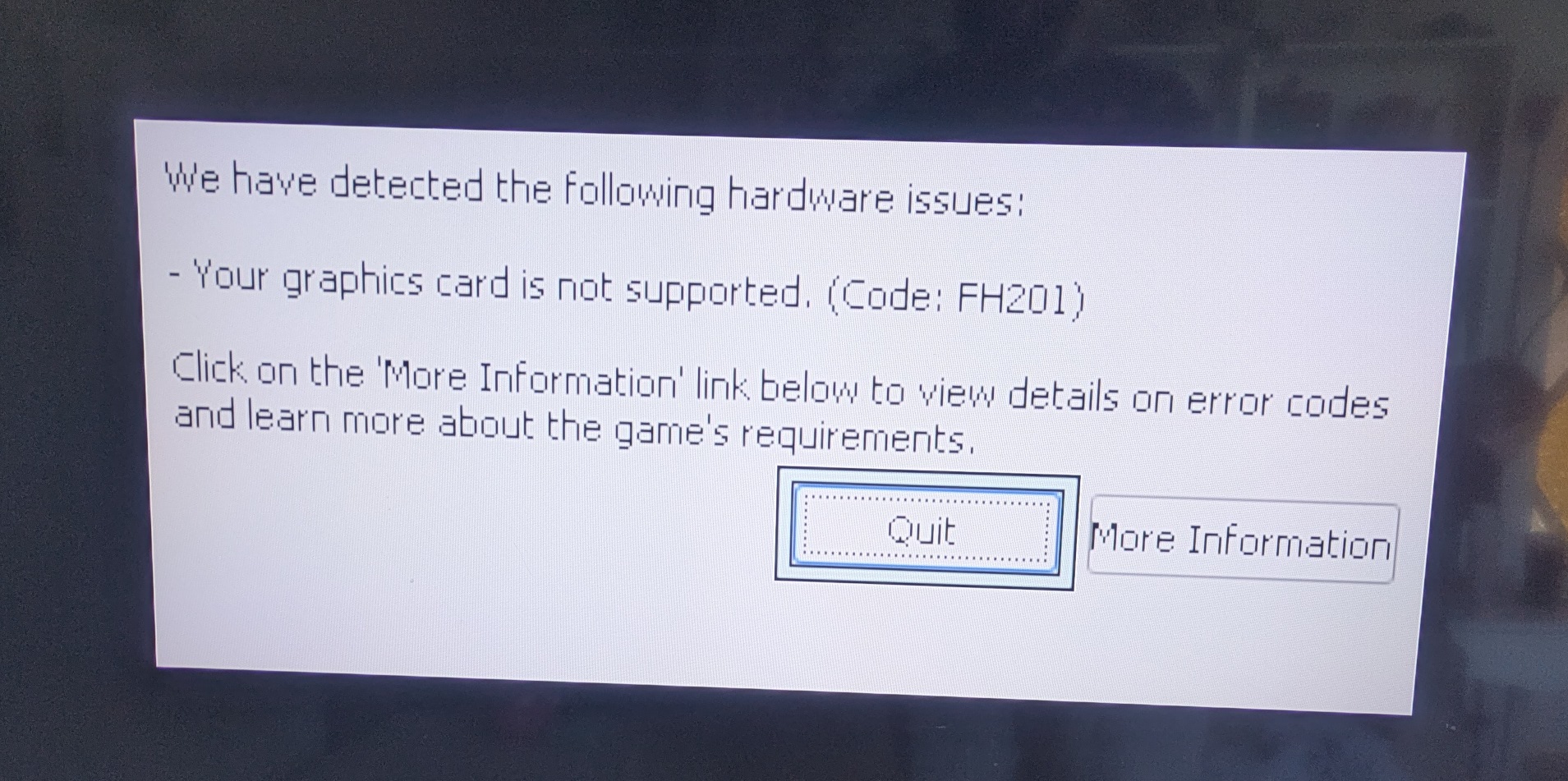
I learned the hard way that the GPU I have in a DIY Steam Machine PC, the AMD RX 480, is strictly unsupported by Forza Horizon 6.
Forza Horizon 6 will not work for AMD users with GPUs based on the Polaris or Vega architectures and older (for example Radeon 400 and 500 series players). These architectures are below our minimum supported specification.
I knew that asking for a refund on Steam would be the easy way out. Deciding against it, I did a quick search for the FH201 error code and stumbled on the Reddit post mentioned above. My CPU is good enough for Forza Horizon 6 (Intel i5-10500), so the additional launch options command that worked for me is the following:
VKD3D_FEATURE_LEVEL=12_1 VKD3D_CONFIG=descriptor_heap,no_upload_h_vram RADV_EXPERIMENTAL=heap,sync2 radv_wait_for_vm_map_updates=true %command%
Simple fix, but the context around this is actually kind of funny. The way a lot of Windows-only games work on SteamOS is via a translation layer referred to as Proton. With this trick, you can pretend that your GPU has some DirectX features that it actually does not have, but it doesn’t matter since it can be successfully emulated via translation to Vulkan, which the GPU supports well!
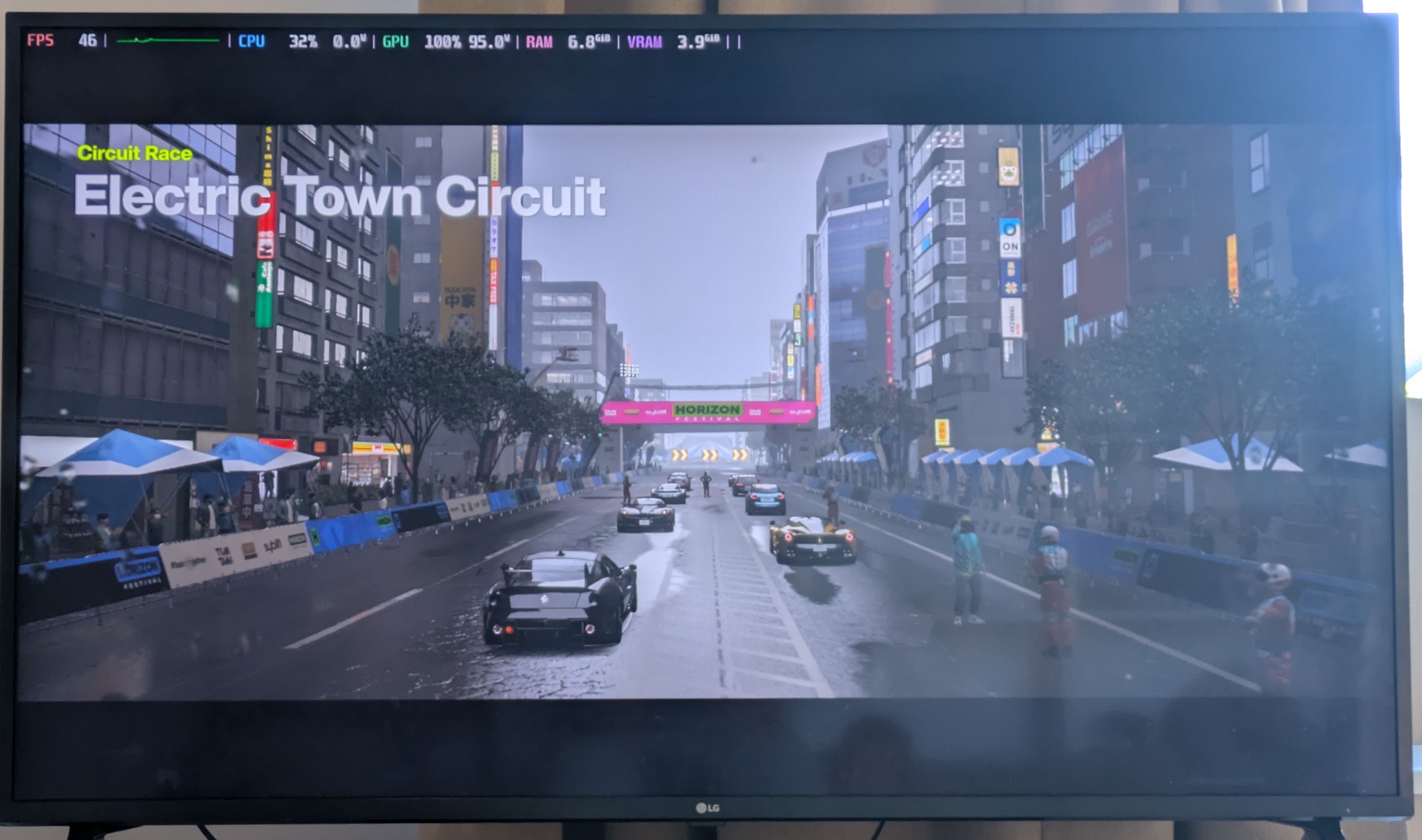
As a result, I can play Forza Horizon 6 on a hacky SteamOS build, with 1080p low or medium settings. Low settings is a 60 FPS experience, with medium settings some areas like Tokyo can struggle a bit and drop below it to ~40 FPS.
Now all I need to do is to get rid of the urge to splurge on a great GPU, which would also require a case and PSU upgrade…
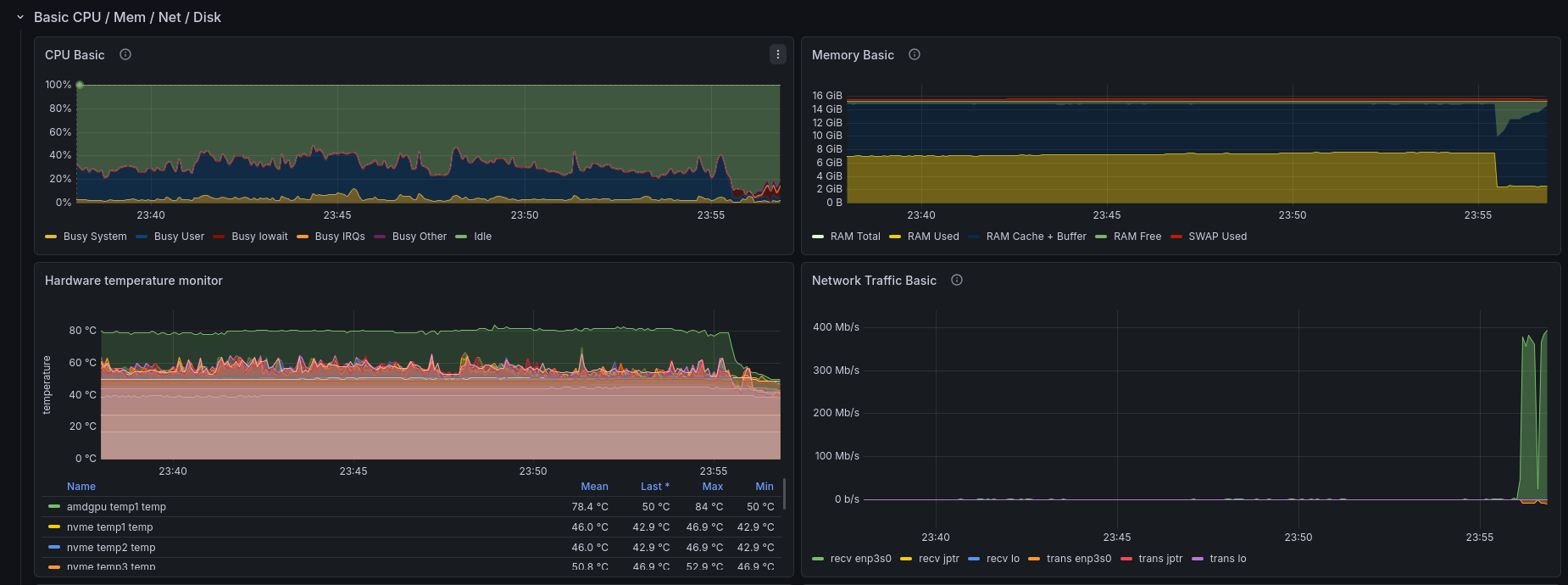
Slightly off-topic, but can you monitor your gaming PC via Prometheus Node Exporter and visualize it in Grafana? :)
Subscribe to new posts via the RSS feed.
Not sure what RSS is, or how to get started? Check this guide!
You can reach me via e-mail or LinkedIn.
If you liked this post, consider sharing it!