The ‘free’ server build
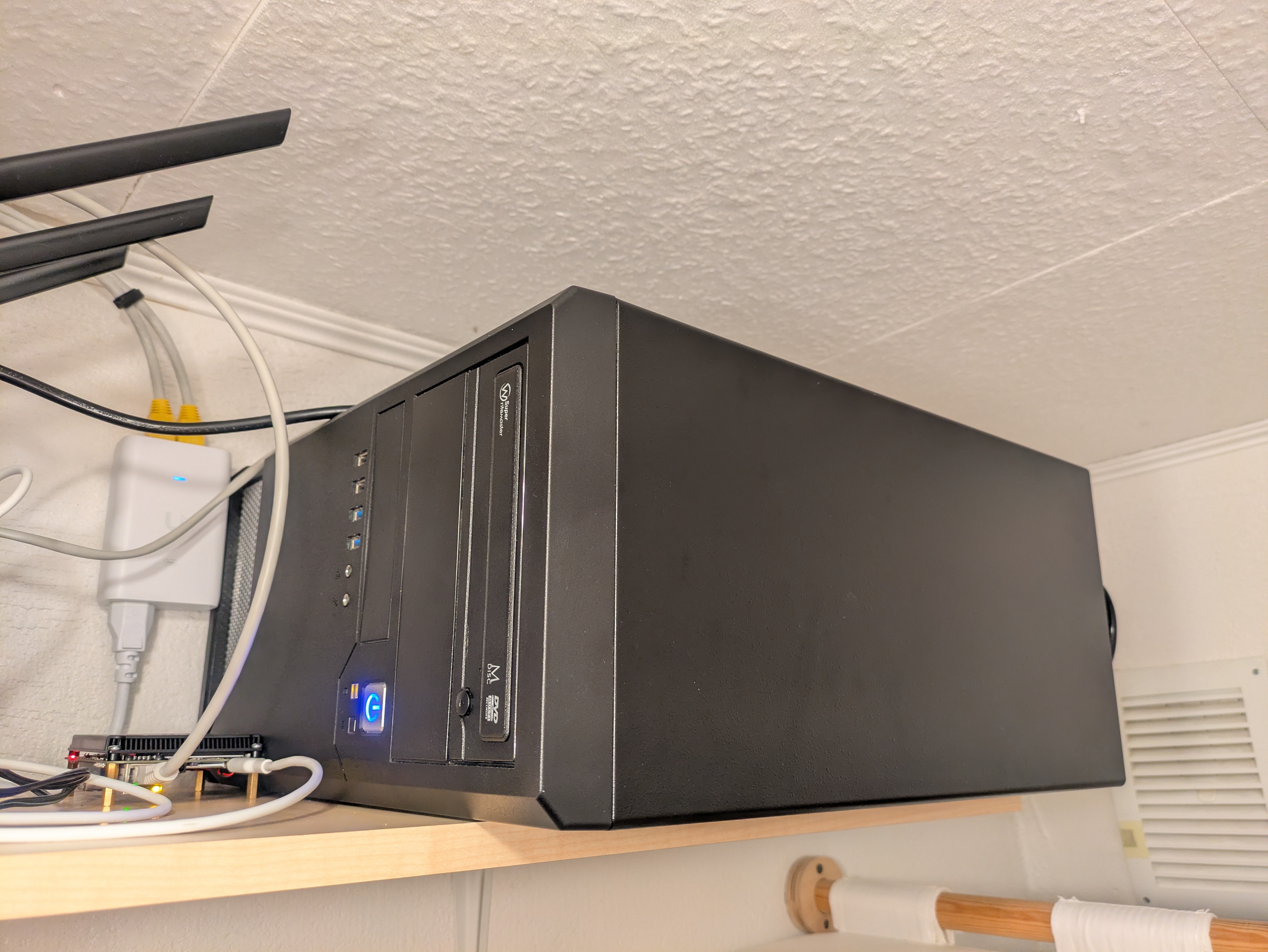
Earlier this year, I received an old PC for free from my teammate Kristjan Lepik. After confirming a few details, I understood that I could probably find an use case for it, especially given my unhealthy obsession with trying to make old hardware useful.
Free tech tip: if a free PC has blue USB 3 ports visible, then it’s not completely obsolete yet!
For most of its time, it sat idle. The components and case got shuffled around based on other project ideas and a desire to have a small gaming PC, but then it ended up back in its original configuration.
One day, my trusty ThinkPad T430 that ran as a home server started encountering oddities around the network interface cutting out during periods of moderate to high load, and its “Power on with AC attach” feature was also flaking out on me, meaning that a prolonged power outage would result in a home server that doesn’t come back up again. That’s when I decided to make this free PC my home server.
The machine initially came with these specs:
- Intel i5-4690
with the stock cooler
- it’s a solid 4 core CPU with just enough performance for me
- this CPU is from 2014!
- ASUS H97M-PLUS
- it has an Intel gigabit network interface, which was a positive surprise for me!
- 8 GB of good ol’ DDR3 RAM
- NVIDIA GTX 750 Ti
- a basic Chieftec 500-ish W PSU, half-modular
- a basic PC case made of very thin metal
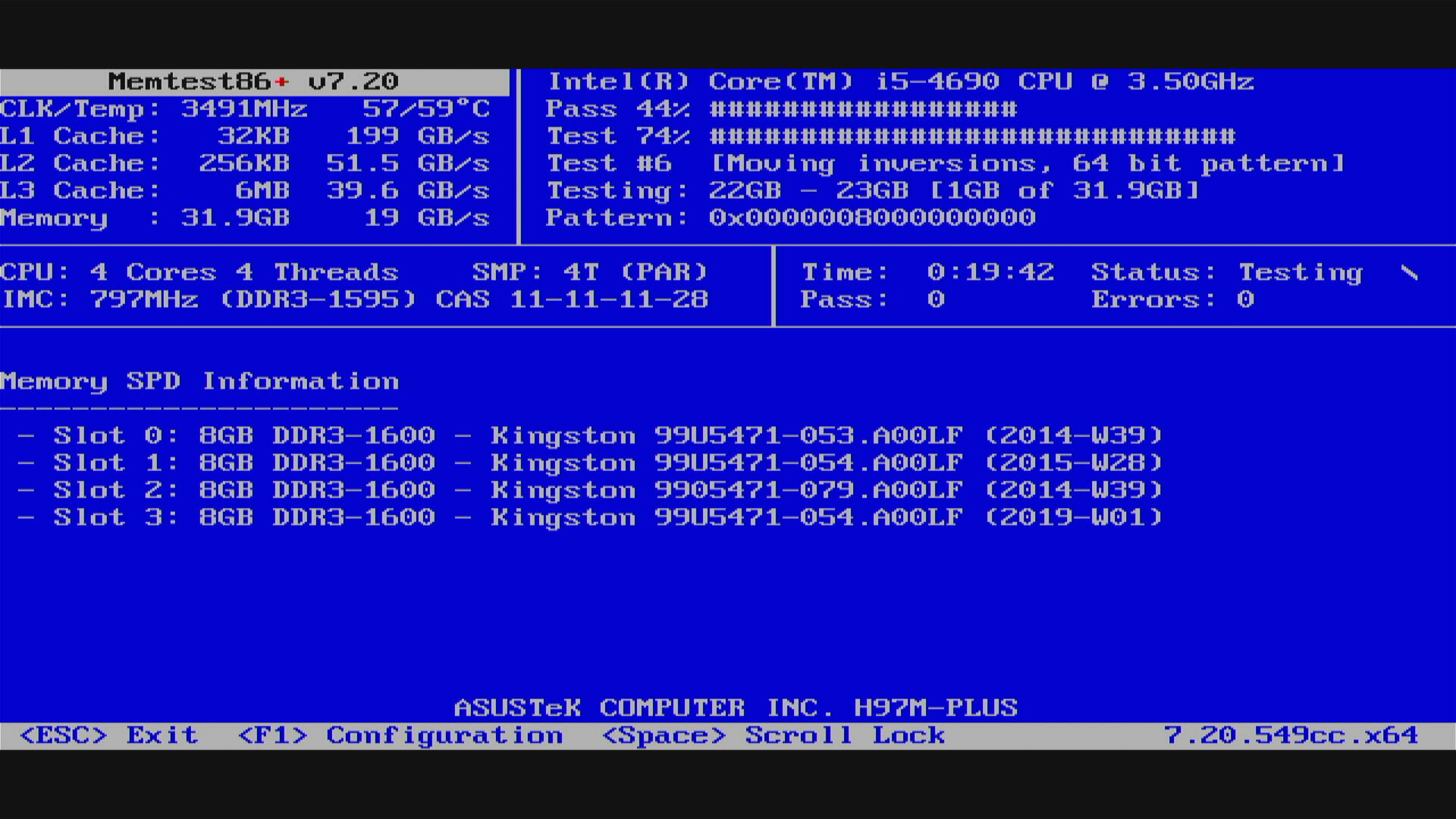
Initially, the 8GB of RAM was quite limiting, but the board had three DIMM slots free, and by sheer luck, I found two different local listings for used Kingston memory, different revisions, but the same model and physical size! 30 EUR and a quick memtest later, I now had upgraded the machine to 32 GB of RAM. It’s DDR3 and I overpaid for it just to get a matching set of 4, but in this economy I’m more than happy with this arrangement.
I moved over storage from my other builds. The OS lives on a 128 GB NVMe SSD, which is also bootable. The booting aspect is worth highlighting because when this motherboard was new, NVMe SSD-s in this form factor weren’t super common yet and booting from PCIe devices was not common. I also carried over two Samsung 870 QVO 4 TB SSD-s, and the two 18 TB white label Seagate drives.
The motherboard does have six SATA ports, but with the NVMe SSD installed, only four of them are actually usable. Quirks and limitations like this are quite common on motherboards, so keep that in mind when planning your builds, especially with less capable hardware. Luckily this wasn’t a deal-breaker for me.
After I caved and got a fancy gaming GPU for Forza Horizon 6, I had an AMD Radeon RX 480 8GB model left over, the Sapphire Nitro version, which is arguably one of the best looking GPU-s out there. I plopped that in as it can still find use as a transcoding GPU, and it has been fun testing its capabilities with smaller language models that fit within its 8 GB of VRAM. Not bad for a GPU that’s almost exactly 10 years old, and I know that because the previous owner bought it in 2016 and had used it full-time since.
Cooling is quite a limiting factor with this case, so I got a cheap Arctic case fan for it and set it to run in “Turbo” mode in UEFI settings. Dust will likely be an issue a year or two from now, but that’s better than overheating hardware. It doesn’t help with the GPU throttling under sustained loads, but at least the other components are fine.
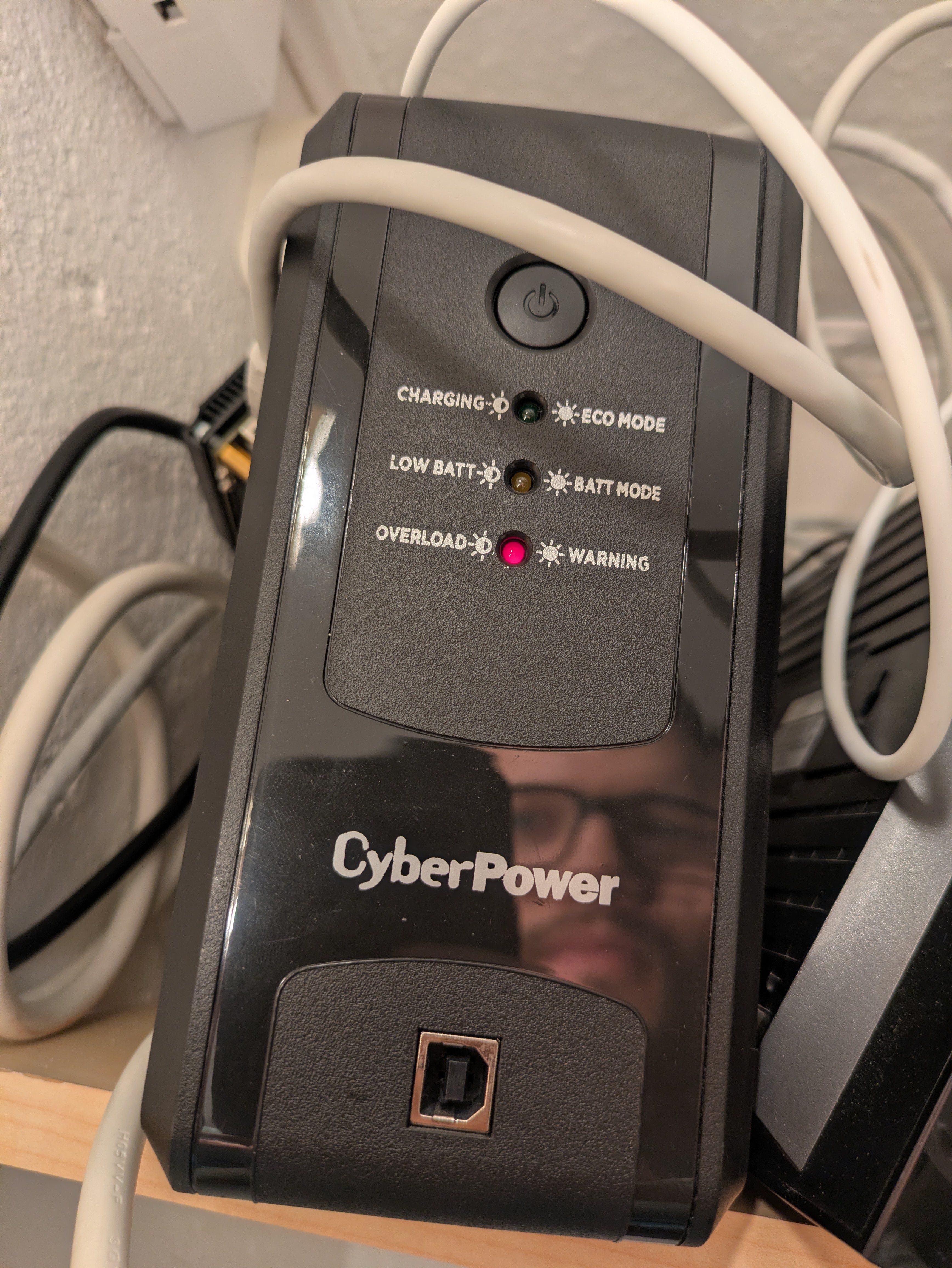
Thanks to running local language models, I got reminded of the power limit of my UPS. It’s 360 W, apparently.
The case is just small enough so that I can put it on my infrastructure shelf. It hangs a bit over the edge, but it gets the job done.
It’s noisy and the cheap and basic case makes hard drives audible, but given that it sits in a closet, I can’t hear it at all when the closet door is closed. Once I do open the door and the server is doing some heavy crunching, it does resemble the sound of a small data center.
I’m aware that the bulk of the cost of this build is in the storage and GPU that I added on from previous builds, but I felt I needed to highlight the value of old equipment that someone else hasn’t used for years. Compute has become much less affordable, so going the second-hand route is all the more important and actually better for the environment, as long as the energy costs of operating the equipment isn’t too high.
Ühe mehe vana on teise mehe uus.
Subscribe to new posts via the RSS feed.
Not sure what RSS is, or how to get started? Check this guide!
You can reach me via e-mail or LinkedIn.
If you liked this post, consider sharing it!