I gave the MacBook Pro a try
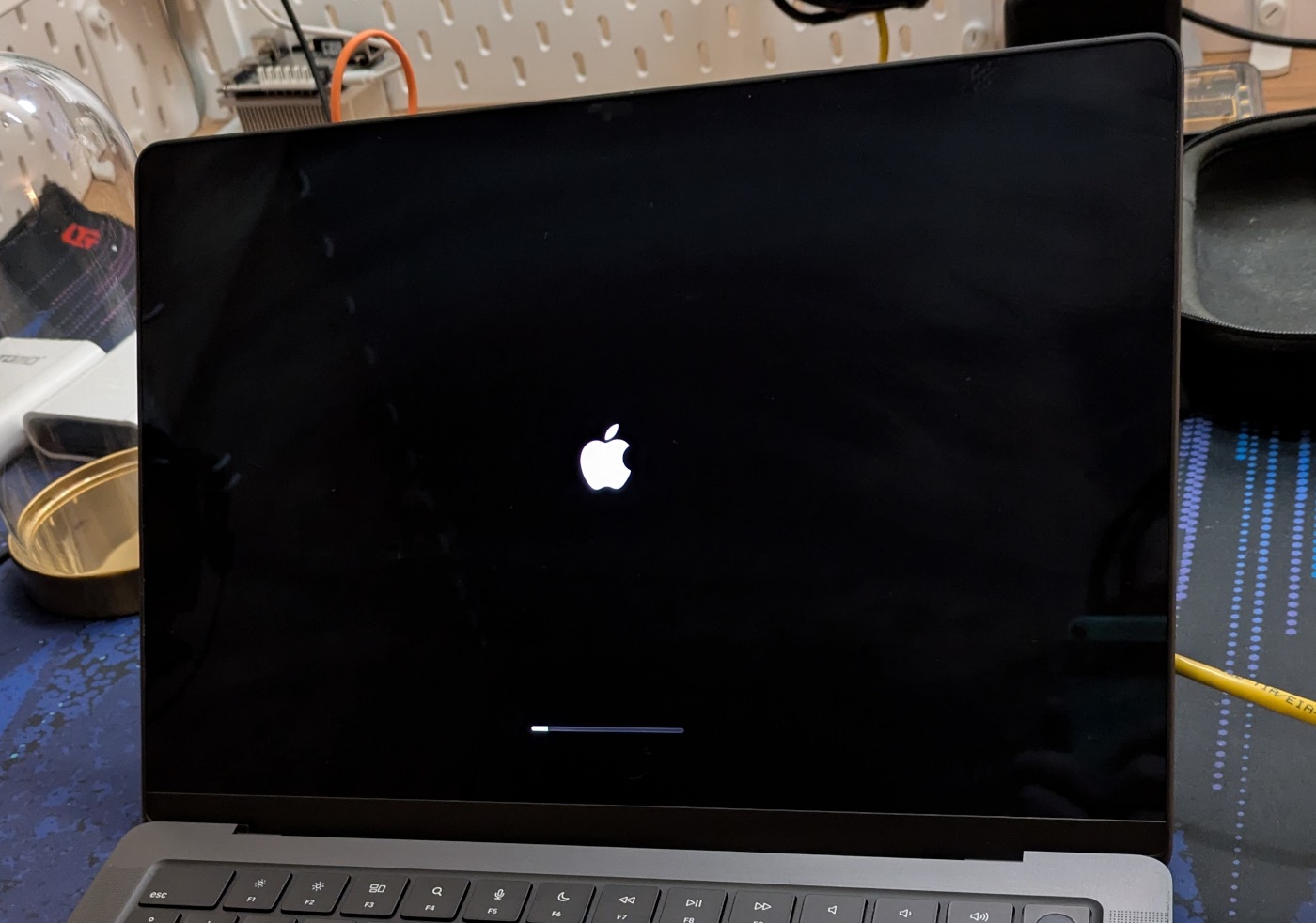
I got the opportunity to try out a MacBook Pro with the M3 Pro with 18GB RAM (not Pro).
I’ve been rocking a ThinkPad P14s gen 4 and am reasonably happy with it, but after realizing that I am the only person in the whole company not on a MacBook, and one was suddenly available for use, I set one up for work duties to see if I could ever like using one.
It’s nice.
I’ve used various flavours of Linux on the desktop since 2014, starting with Linux Mint. 2015 was the year I deleted the Windows dual boot partition. Over those years, the experience on Linux and especially Fedora Linux has improved a lot, and for some reason it’s controversial to say that I love GNOME and its opinionated approach to building a cohesive and yet functional desktop environment.
When transitioning over to macOS, I went in with an open mind. I won’t heavily customise it, won’t install Asahi Linux on it, or make it do things it wasn’t meant to do. This is an appliance, I will use it to get work done and that’s it.
With this introduction out of the way, here are some observations I’ve made about this experience so far.
Ergonomics
The first stumbling block was an expected one: all the shortcuts are wrong, and the Ctrl-Super-Alt friendship has been replaced with these new weird ones. With a lot of trial and error, it is not that difficult to pick it up, but I still stumble around with copy-paste, moving windows around, or operating my cursor effectively. It certainly doesn’t help that in terminal windows, Ctrl is still king, while elsewhere it’s Cmd.
Mouse gestures are nice, and not that different from the GNOME experience.
macOS has window snapping by default, but only using the mouse. I had to install a specific program to enable window moving and snapping with keyboard shortcuts (Rectangle), which is something I use heavily in GNOME. Odd omission by Apple.
For my Logitech keyboard and mouse to do the right thing, I did have to install the Logitech Logi+ app, which is not ideal, but is needed to have an acceptable experience using my MX series peripherals, especially the keyboard where it needs to remap some keys for them to properly work in macOS.
I still haven’t quite figured out why Page up/down and Home/End keys are not working as they should be. Also, give my Delete key back!
Opening the laptop with Touch ID is a nice bonus, especially on public transport where I don’t really want my neighbour to see me typing in my password.
The macOS concept of showing open applications that don’t have windows on them as open in the dock is a strange choice, that has caused me to look for those phantom windows and is generally misleading.
Not being able to switch between open windows instead of applications echoes the same design choice that GNOME made, and I’m not a big fan of it here as well. But at least in GNOME you can remap the Alt+Tab shortcut to fix it.
Installing stuff
The default macOS application installation process of downloading a .dmg file, then opening it, then dragging an icon in a window to the Applications folder feels super odd.
Luckily I was aware of the tool brew and have been using that heavily to get everything that I need installed, in a
Linux-y way.
Permissions
I appreciate the concern that macOS has about actions that I take on my laptop, but my god, the permission popups get silly sometimes. When a CLI app is doing things and accessing data on my drive, I can randomly be presented with a permissions pop-up, stealing my focus from writing a Slack message.
Day to day work
Video calls work really well, I can do my full stack engineer things, and overall things work, even if it is sometimes slightly different.
The default Terminal app is not good, I’m still not quite sure why it does not close the window when I exit it, that “Process exited” message is not helpful.
Hardware
No contest, the hardware on a MacBook Pro feels nice and premium compared to the ThinkPad P14s gen 4. The latter now feels like a flexible plastic piece of crap.
The screen is beautiful and super smooth due to the higher refresh rate.
The MacBook does not flex when I hold it.
Battery life is phenomenal, the need to have a charger is legitimately not a concern in 90% of the situations I use a MacBook in.
Keyboard is alright, good to type on, but layout is not my preference.
M3 Pro chip is fast as heck. 18 GB of memory is a solid downgrade from 32 GB, but so far it has not prevented me from doing my work.
I have never heard the fan kick on, even when testing a lot of Go code in dozens of containers, pegging the CPU at 100%, using a lot of memory, and causing a lot of disk writes. I thought that I once heard it, but no, that fan noise was coming from a nearby ThinkPad.
The aluminium case does have one downside: the MacBook Pro is incredibly slippery. I once put it in my backpack and it made a loud thunk as it hit the table that the backpack was on. Whoops.
External displays
macOS does not provide scaling options on my 3440x1440p ultra-wide monitor. Even GNOME has that, with fractional scaling!
The two alternatives are to use a lower resolution (disgusting), or increase the text size across the OS so that I don’t suffer with my poor eyesight.
Apple ID and App Store
Never needed those. I like that. Having used an iPhone for a while, I sort of expected this to be a requirement, but no, you can completely ignore those aspects of macOS and work with a local account. Even Windows 11 doesn’t want to allow that!
Language switching
Switching the keyboard language using the keyboard shortcut is broken about 50% of the time, which feels odd given that it’s something that just works on GNOME. This is quite critical for me since I shift between the Estonian and US keyboard a lot when working, as the US layout has the brackets and all the other important characters in the right places for programming and writing, while Estonian keyboard has all the Õ Ä Ö Ü-s that I need.
The day it fell apart
I upgraded to macOS 26.3 Tahoe on 23rd of February. SSH worked in the morning. Upgrade during lunch, come back, bam, broken.
The SSH logins would halt at the part where public key authentication was taking place, the process just hung. I
confirmed that by adding -vvv into the SSH command.
With some vibe-debugging with Claude Code, I found that something with the SSH agent service had broken after the
upgrade. One reasonably simple fix was to put this in your .zshrc:
export SSH_AUTH_SOCK=$(mktemp -d)/agent.sock
ssh-agent -a "$SSH_AUTH_SOCK" > /dev/null 2>&1
ssh-add --apple-use-keychain ~/.ssh/id_ed25519 2>/dev/null
Then it works in the shell, but all other git integrations, such as all the repos I have cloned and am using via IntelliJ IDEA, were still broken.
Claude suggested that I build my own SSH agent, and install that until this issue is fixed. That’s when I decided to stop.
macOS was supposed to just work, and not get into my way when doing work. This level of workaround is something I expect from working with Linux, and even there it usually doesn’t get that odd, I can roll back a version of a package easily, or fix it by pulling in the latest development release of that particular package.
Conclusion
I went into this experiment with an open mind, no expectations, and I have to admit that a MacBook Pro with M3 Pro chip is not bad at all, as long as it works.
Unfortunately it doesn’t work for me right now. I might have gotten very unlucky with this issue and the timing, but first impressions matter a lot. The hardware can be nice and feel nice, but if the software lets me down and stops me from doing what’s more important, then it makes the hardware useless.
It turns out that I like Linux and GNOME a lot. Things are simple, improvements are constant and iterative in nature, so you don’t usually notice it (with Wayland and Pipewire being rare exceptions), and you have more control when you need to fix something. Making those one-off solutions like a DIY coding agent sandbox, or a backup script, or setting up snapshots on my workstation are also super easy.
If Asahi Linux had 100% compatibility on all modern M-series MacBooks, then that would be a killer combination.1
Until then, back to the ol’ reliable ThinkPad P14s gen 4 I go. I can live with fan noise, Bluetooth oddities and Wi-Fi roaming issues, but not with something as basic as SSH not working one day.2
Subscribe to new posts via the RSS feed.
Not sure what RSS is, or how to get started? Check this guide!
You can reach me via e-mail or LinkedIn.
If you liked this post, consider sharing it!