I built the worst Jellyfin media server
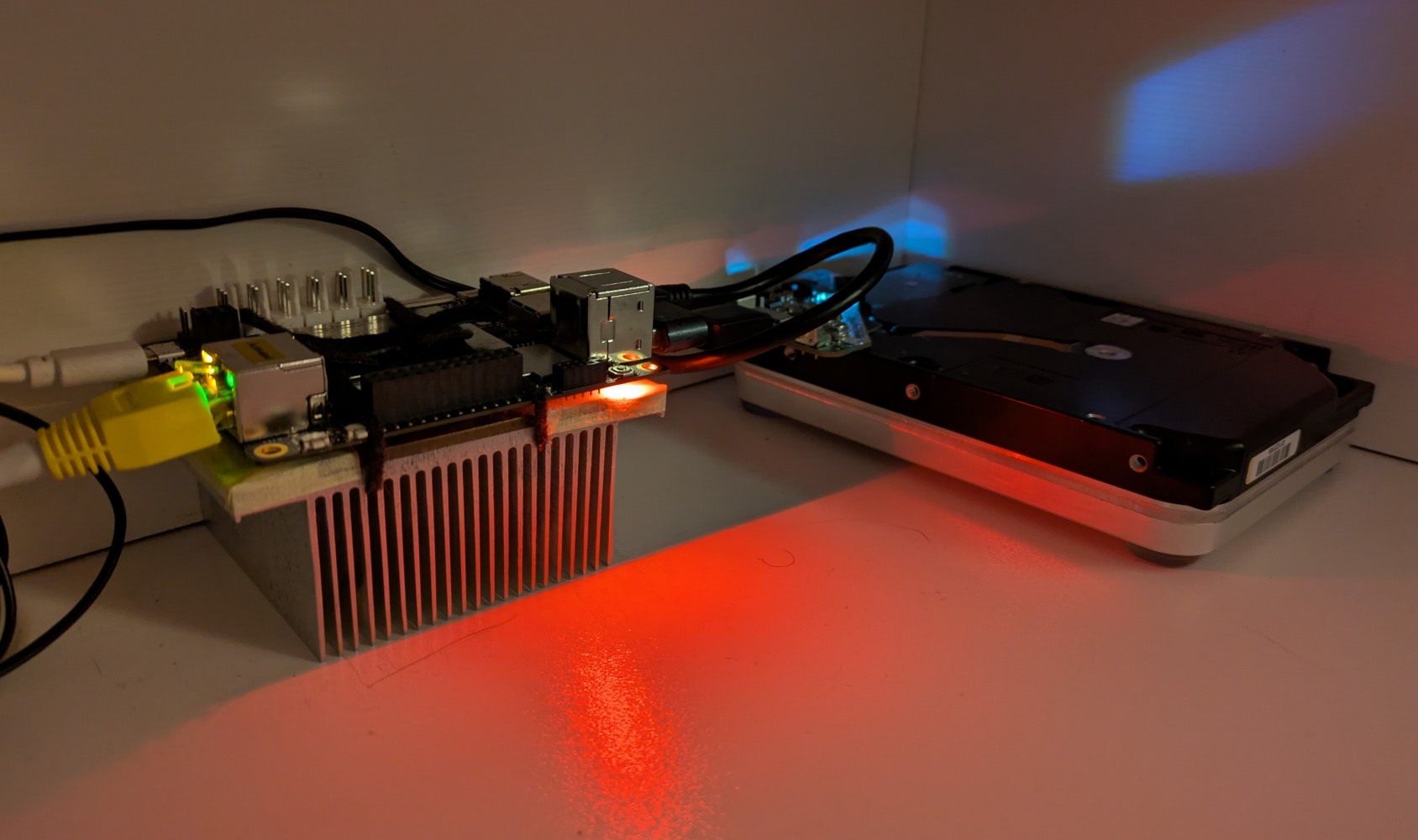
LattePanda V1. It’s been a while, huh?
I had it as a backup server (which I blew up).
Then it got promoted to… a backup server. But then its PSU blew up.
Then it was waiting for some cool ideas at a potato enthusiast.
Now it’s back in my hands.
Unlike its modern counterpart, the LattePanda V1 is a flawed single board computer.
It’s slow.
It’s unstable if you connect power hungry USB devices to it.
It needs some cooling, but I’m too cheap to buy a properly designed heat sink for it.
It has display quirks.
It only has a slow 100 Mbps Ethernet link.
It only seems to work reliably on one side. Not even joking, the “heat sink down” configuration is the only one that works for me.
LibreELEC failed to play back any videos on it properly. The videos would play for 10 seconds, and then it would hang, no matter the encoding or hardware acceleration settings.
With hardware prices being wonky again, I decided to give this board a last chance of being useful. If new hardware is absurdly expensive, then it makes perfect sense to use what you have, no matter how slow or crummy it might be. Reduce, reuse, and only then recycle.
That’s when I decided to run a Jellyfin server off of it. Transcoding is out of the question, but serving media files over the network should still be quick enough, right?
For this experiment, I used one of the 18 TB hard drives that I’ve covered earlier. Just the single one, no redundancy here. This one drive is probably about 10x the cost of the LattePanda V1 itself, making it a perfectly reasonable choice.
For ease of troubleshooting, debugging and guaranteed eventual reinstallation, I put Fedora Server on an 128 GB USB 3.0 flash drive by Samsung. Risky move, I know, but as you might have noticed, this whole build is everything but reasonable. That left the eMMC storage as the perfect candidate for storing cache and service related files.
Cooling is solved by a random server heat sink slapped on the bottom of the LattePanda, with a few critical components like the CPU making contact with thick and soft thermal pads. The whole thing is fastened using velcro strips that I cut to a thin size in the middle so that I can route it between the components on the PCB and within the heat sink fins. The edges of the heat sink are covered with some painters’ tape that I had around to avoid shorting anything out on the board, because those parts on the board contain all sorts of metal bits and pins that have power going through them. I’m actually quite happy with that mount!
I’ve been experimenting with Podman again after Docker kept doing weird things with the v29 release, and I’ve been happy with the results, so that’s what I used on the LattePanda V1 as well. I slapped Jellyfin on it, threw in some test files and gave it a go.
Navigating the UI feels a bit slow at times, but it’s not really noticeable on an LG smart TV with a really laggy user interface.
Actual video playback that requires no transcoding works quite well, at least for smaller media sizes.
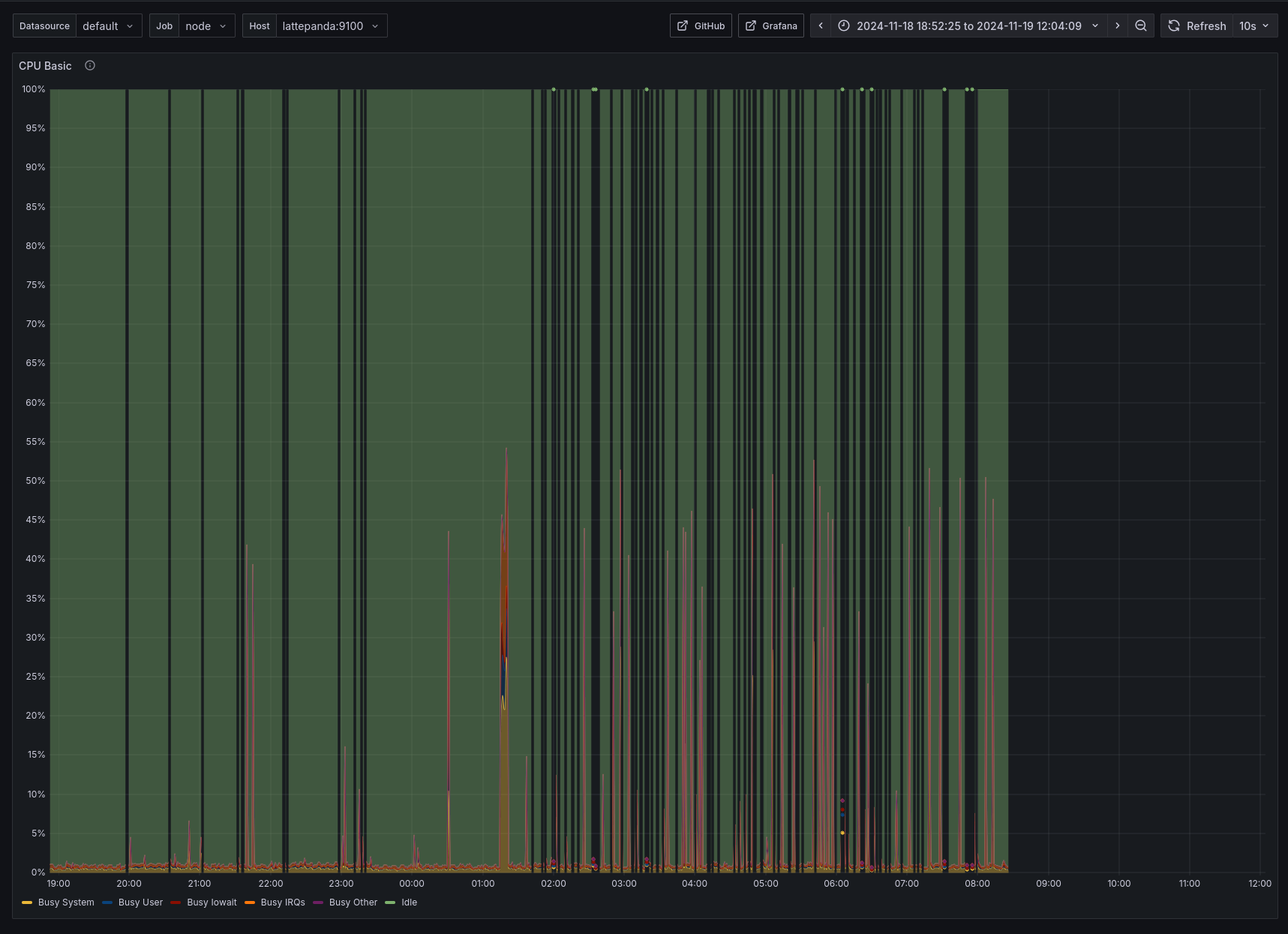
Technically, you can do transcoding on this and even utilize the tiny little integrated GPU in it, but the results are not usable. With smaller files it might be usable, but in one test I saw 7-8 FPS transcoding speeds and the server struggling to keep up, with CPU usage locked at 100%.
If we ignore all the downsides, then the LattePanda V1 can actually be a usable media server. Serving files off of a big drive does not require a lot of resources, and for that the LattePanda V1 is a solid choice. It also uses only a few watts of power on its own, so you can keep it on 24/7 guilt-free. In this build, the hard drive itself is actually the most power hungry component by a long shot (about 2/3 of the total power budget).
The 2 GB of memory is juuuuuuuust enough for this setup.
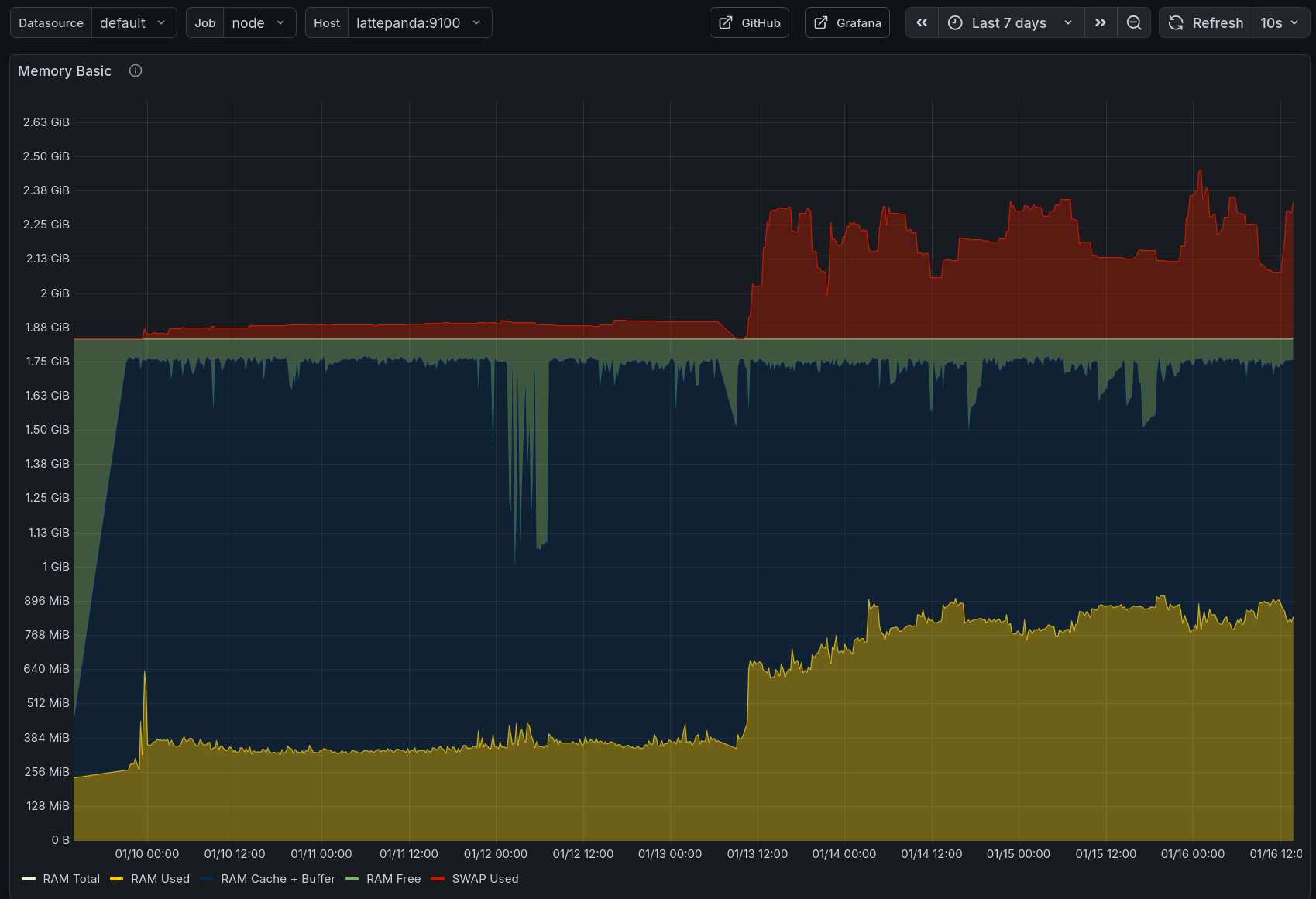
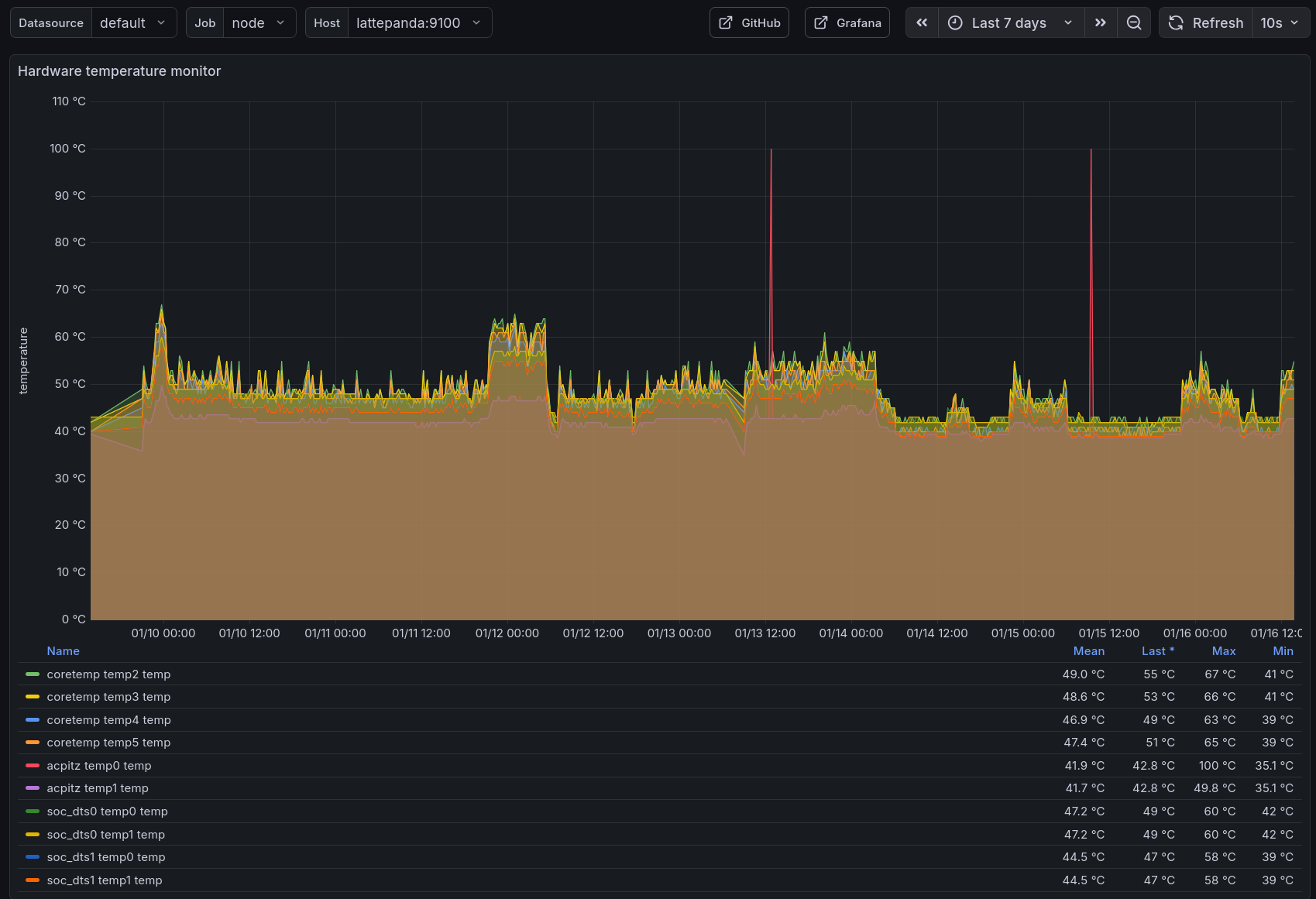
As of writing this post, it has been running for about a week, and it’s been fine. I intend to keep it running in a drawer for as long as possible just to see what will die first.
Will it be the eMMC storage?
The USB flash drive holding the operating system?
The expensive hard drive?
The power supply?
The thin velcro strips holding the cooling together?
My patience?
Don’t worry, I have backups. Well, backups of the important bits. I’m ready to lose data again.
2026-01-22 update
Okay, it was too bad of an idea.
The LattePanda V1 would occasionally just… stop.
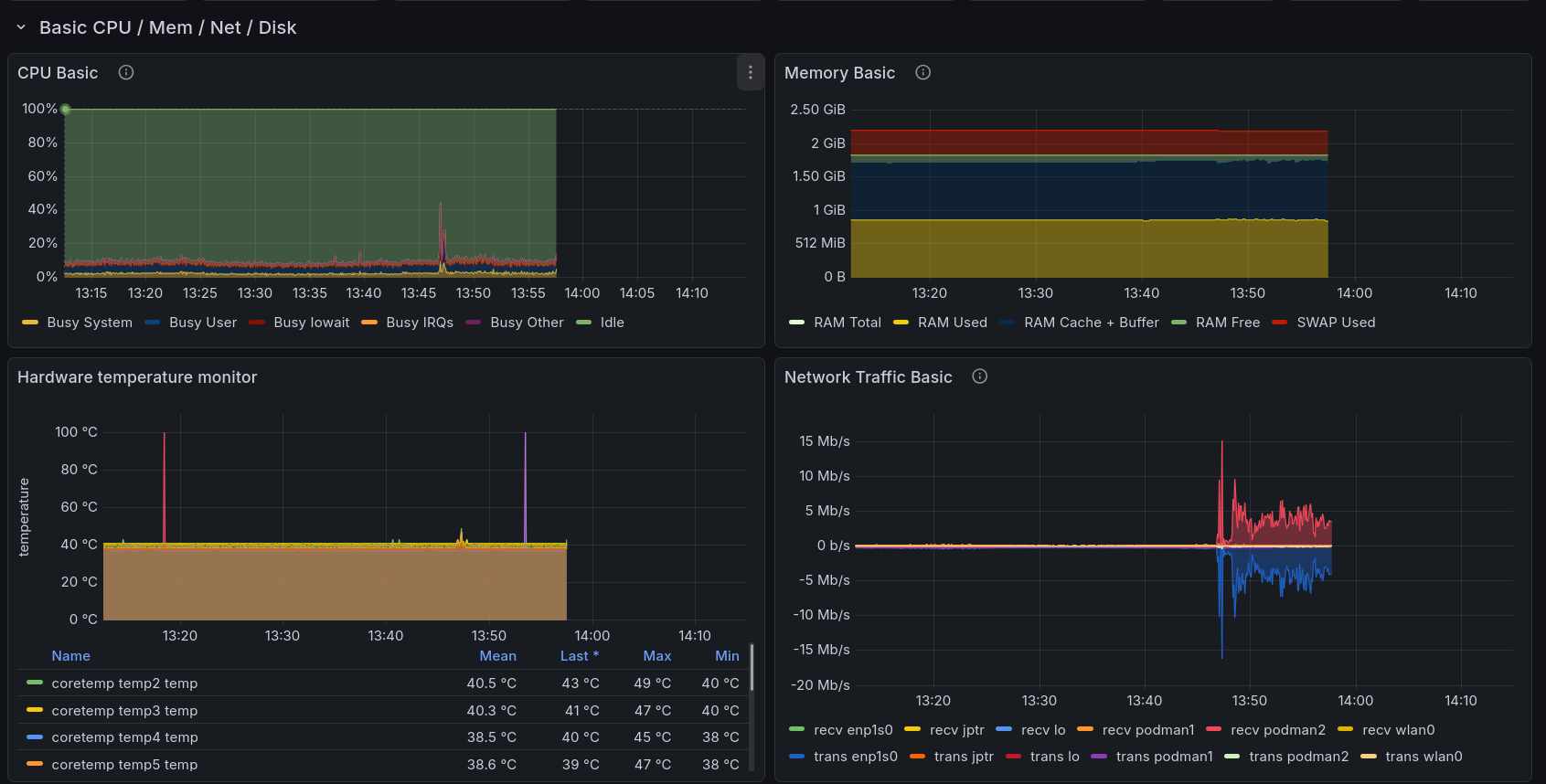
From what I gathered by accident, it’s likely that the USB port containing the operating system would flake out and result in the system not being able to run any tools that are not in memory. I tried to move the installation to the eMMC drive, but after failing multiple times due to the display not working, or the system deciding to shut down randomly, I gave up on it. For now.
Guess I’ll have to use it in a solar-powered website project. ¯\_(ツ)_/¯
Subscribe to new posts via the RSS feed.
Not sure what RSS is, or how to get started? Check this guide!
You can reach me via e-mail or LinkedIn.
If you liked this post, consider sharing it!