Server room? No, I have a server pantry.
The apartment that I live in right now has two small rooms with doors on them.
One of them is like a normal closet and that’s where the ISP passive fiber optic line comes in.
The other one is a similarly sized room with a bunch of shelves and ventilation to keep things cool. A pantry, basically.
I’ve used the closet as a networking and home server spot for a while now, with a small dedicated shelf holding everything. That shelf was a bit limiting, it could not accommodate all of my hardware that I wanted to play around with, and the closet did not have very good ventilation, which resulted in the top half of the closet getting notably warm during summer months. Not too warm, but warm enough to feel it when opening the closet.
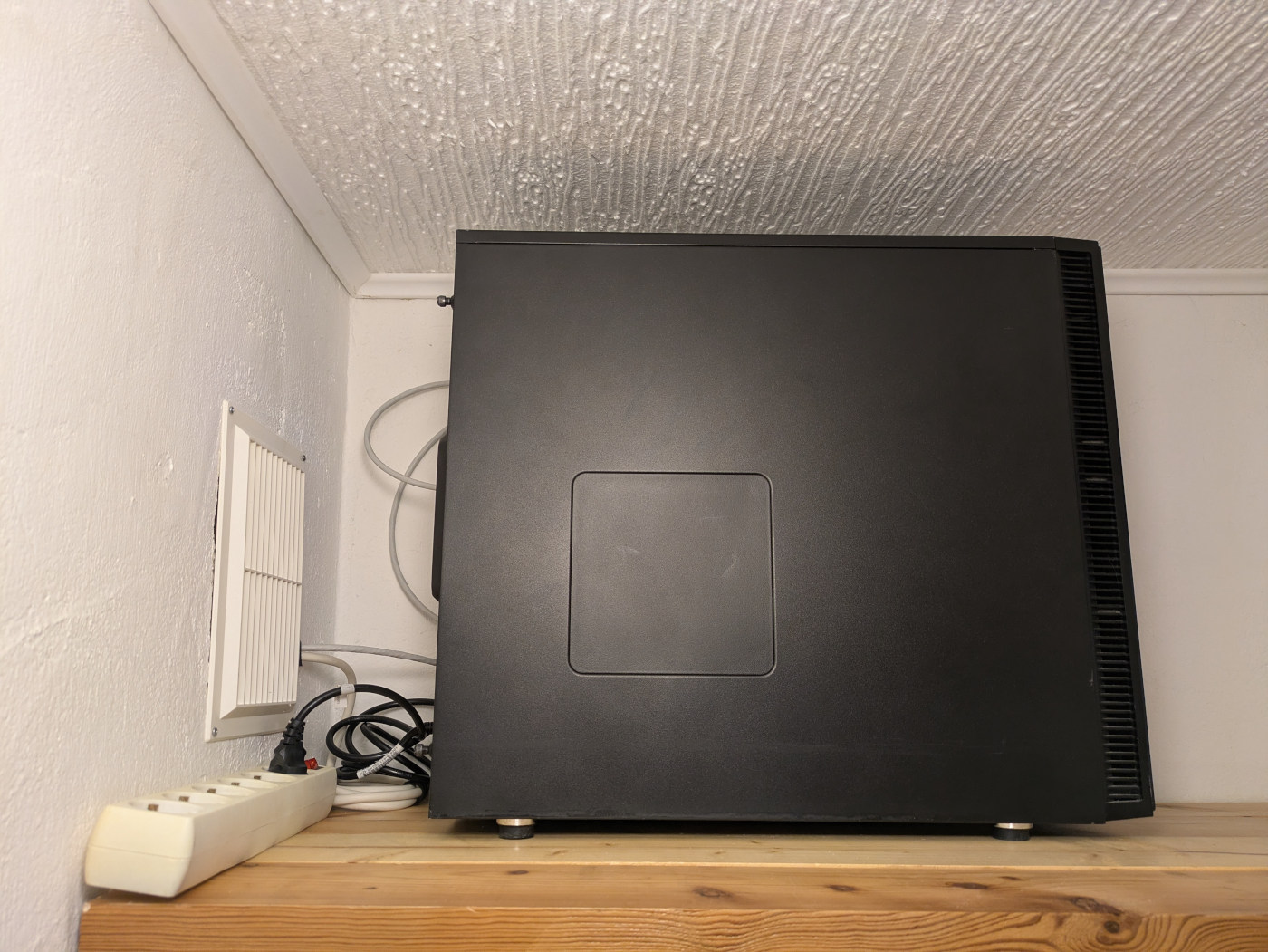
One day I decided to realize an idea that had been in my mind ever since I started renovating this apartment: turn the pantry into a server room.
Meet the server pantry.


It’s cool.
It’s the furthest point in the apartment from the bed and my home office setup, so I can put incredibly noisy computers in it.
It only has a few spiders.


Due to the pantry being cool and dry, it makes for a good spot for hosting food and stuff. Adding <100W of heat output at the top of the room should not be an issue as hot air tends to rise, and if temperatures end up being an issue, I can open one of the two vents that are directly connected to the outside to get some fresh and cool air in. The temperature delta between the bottom and top of the pantry seems to be about 10°C, ranging from 6-16°C.
The impact of running things in a slightly chillier room is noticeable on the temperature sensors of the hardware that I put in there. A PC with overkill CPU cooler on an Intel i5-10500 did report 16°C CPU core temperatures at one point when idling, compared to 20-24°C when running in a cold corner in the living room. The LattePanda IOTA hit 30°C on the CPU cores. Hard drives hover around 30-37°C, with a maximum of 40-44°C.
It’s pretty cool.

Subscribe to new posts via the RSS feed.
Not sure what RSS is, or how to get started? Check this guide!
You can reach me via e-mail or LinkedIn.
If you liked this post, consider sharing it!